Every agent.
Its own access.
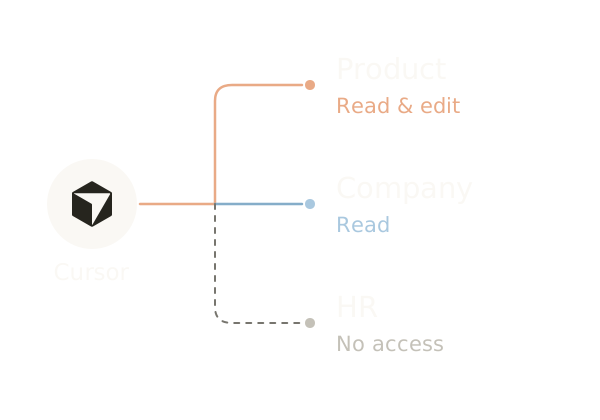
Give each agent a name, choose what it can read or edit, and see its contributions alongside your team’s. Your knowledge stays in a workspace people can inspect.
A place on the team. In three steps.
- 01
Create an identity
Give the agent a name in your Mind.
- 02
Choose its access
Decide what it can read and change.
- 03
Connect its tools
Use its own credential to connect through MCP.
Connect your agent tools.
Connected through MCP





See the work your agent leaves behind.
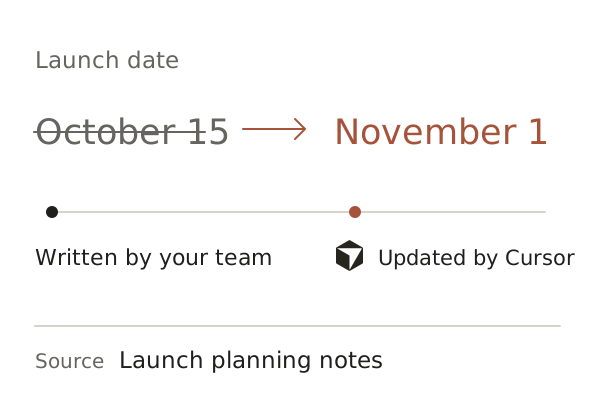
When an agent updates a launch plan, the change appears in the same Entry your team uses. Its identity is attached, and the previous version is still there.
Explore knowledge history