






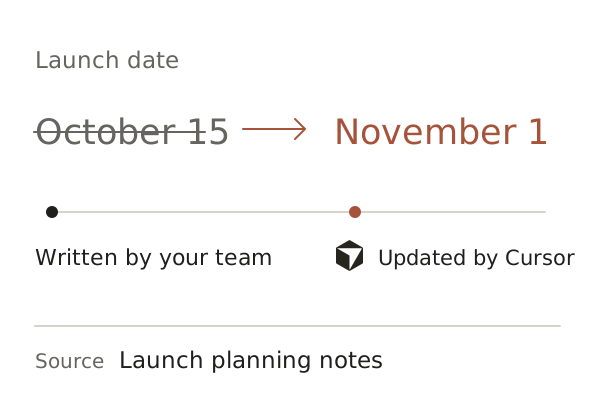
See what changed.
And who changed it.
When an agent updates a plan, its name stays with the edit. Open earlier versions and follow recorded sources.
Kognus is a shared knowledge workspace for people and AI agents. Work on the same plans and decisions, with individual access and a history you can inspect.
Keep plans, decisions and project context in a Mind. Your team edits them in Kognus. Your agents read and update the same knowledge from their tools.

An agent’s update is visible to your team.
Let an engineering agent edit Product, read Company, and leave HR untouched. Give each agent its own access. The same rules apply to search.
Explore agent access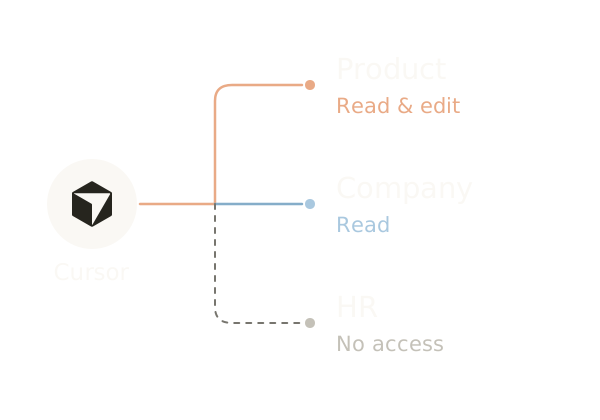
Search your Mind, open the matching Entry, and inspect its recorded source. People and agents find knowledge within their own access.
Explore search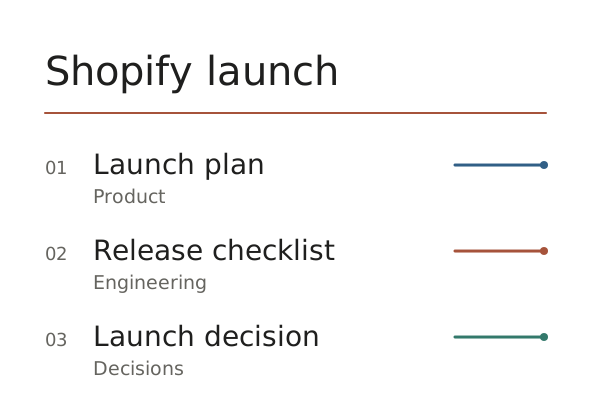
When an agent updates a plan, its name stays with the edit. Open earlier versions and follow recorded sources.
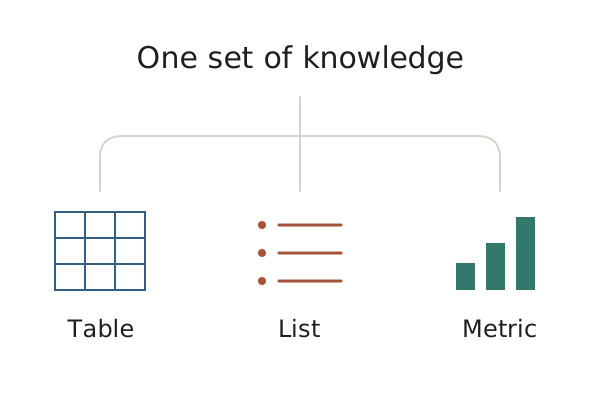
Turn Entries into tables, lists and metrics. Saved Views read current data, so you don’t maintain another copy.
Connect a new agent to the same Mind. The plans, decisions and history stay with your team, ready for the next task.
Explore connectionsYes. Your team can browse, write and edit Entries in the workspace. Agents read and update those same Entries through MCP. There is no separate copy of the knowledge to maintain.
Create an agent in your Mind, choose what it can access, and issue its credential. Add your Kognus MCP connection to a compatible client such as Cursor or Claude Code.
You choose which branches an agent can read or edit. Its searches follow the same access rules. You can change its permissions or revoke its credential from the workspace.
Open the Entry’s history to see who changed it, read previous revisions and inspect its recorded source. Agent contributions appear alongside changes made by people.
